In our increasingly connected world, every home and office is brimming with devices – smartphones, tablets, laptops, smart home gadgets, and countless other electronics. The convenience of these devices often comes with a challenge: finding enough outlets to power and charge them all, safely. Enter the Surge Protector With Usb, a modern marvel that not only expands your power access but, more critically, shields your valuable electronics from the invisible yet ever-present threat of electrical surges. At Wwmsl, with over two decades of practical experience in electrical protection, we understand the complexities of safeguarding your digital life. This comprehensive guide will demystify surge protectors with USB, helping you choose, install, and maintain these essential devices to keep your electronics safe and charged.
What Exactly is a Surge Protector with USB?
Before diving into the specifics of models with USB ports, let’s clarify a common misconception: not all multi-outlet strips are created equal. A “power strip” is essentially an extension cord with multiple outlets, offering convenience but no protection against electrical anomalies. It simply expands the number of available plug-ins. A “surge protector,” on the other hand, is a power strip with a crucial added layer of defense. It’s designed to protect any device with a standard AC plug from potentially damaging power surges, voltage spikes, and line noise that travel through electrical outlets.
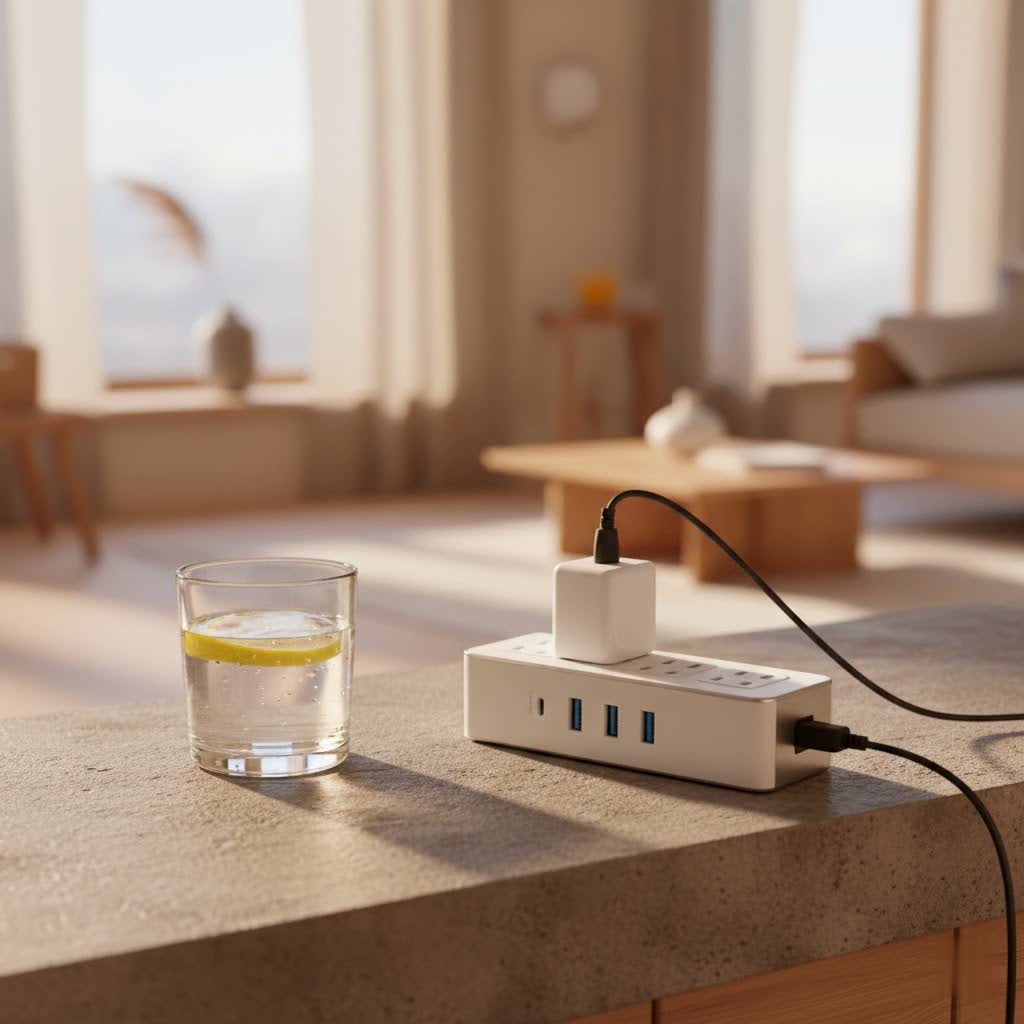
A surge protector with USB seamlessly integrates this vital surge protection with dedicated USB charging ports. This means you can plug in your laptop’s AC adapter while simultaneously charging your smartphone or tablet directly from a USB port, often at faster speeds. This combination is a game-changer, reducing clutter and optimizing your charging experience while ensuring your devices are safeguarded.
The Unseen Threat: Why Surge Protection Matters More Than Ever
You might think power surges are rare events, perhaps only associated with dramatic lightning strikes. While lightning is indeed a powerful source, most voltage spikes are everyday occurrences. They can stem from various sources, including:
- Utility Grid Fluctuations: Problems with your local power provider or changes in the power grid.
- Large Appliances: When high-power devices like refrigerators, air conditioners, or washing machines cycle on and off, they can create momentary voltage fluctuations in your home’s electrical system.
- Faulty Wiring: Issues within your home’s electrical wiring can also contribute to surges.
Even tiny, repeated voltage increases, though seemingly harmless, can gradually degrade the sensitive microprocessors and components in modern electronics, shortening their lifespan and potentially leading to premature failure. A significant surge, however, can instantly fry a device, rendering it irreparable. This is where a surge protector with USB becomes your frontline defense, acting as an insurance policy for your valuable gear.
At its core, a surge protector works by diverting excess voltage away from your connected devices. The most common components used for this are Metal Oxide Varistors (MOVs). When a voltage spike occurs, the MOV “clamps” down, absorbing the excess electricity and diverting it to the grounding wire, preventing it from reaching your electronics. Once the surge passes, the MOV resets, ready for the next event.
Beyond the Basics: Key Features to Look for in Your Next Surge Protector with USB
Choosing the right surge protector with USB isn’t just about the number of outlets; it’s about understanding the specifications that truly matter for comprehensive protection and convenience.
Joule Rating: The Energy Absorber
|
Our Picks for the Best Surge Protector in 2026
As an Amazon Associate I earn from qualifying purchases.
|
||
| Num | Product | Action |
|---|---|---|
| 1 | Philips 6-Outlet Extender Surge Protector, 2 Pack, Wall Tap, 900 Joules, 3-Prong, Space Saving Design, Protection Indicator LED Light, ETL Listed, White, SPP3466WA/37 |

|
| 2 | Amazon Basics Surge Protector Power Strip, 6-Outlet, 790 Joules, Circuit Breaker, LED Indicator, 6ft Extension Cord, White |
|
| 3 | SUPERDANNY Surge Protector Power Bar with 6 USB Charging Ports, Mountable Flat Plug Power Strip, 22 Widely-Spaced Outlets, 2100 Joules, 8Ft Heavy Duty Extension Cord for Home, Office, Dorm, Black |
|
| 4 | Surge Protector Outlet Extender - with Rotating Plug, 6 AC Multi Plug Outlet with 4 USB Ports (2 USB C), 1800J Wall Charger, 3-Sided Power Strip with Spaced Outlet Splitter for Home, Office, Travel |
|
| 5 | Amazon Basics Surge Protector Power Strip, 6-Outlet, 790 Joules, Circuit Breaker, LED Indicator Light, 6ft Extension Cord, Black |
|
| 6 | Belkin 12-Outlet Surge Protector Power Strip w/ 12 AC Outlets & 8ft Flat Plug, UL-listed Heavy-Duty Extension Cord for Home, Office, Travel, Computer, Laptop, Charger - 3,940 Joules of Protection |
|
| 7 | Surge Protector Power Strip - Nuetsa Flat Plug Extension Cord with 8 Outlets and 4 USB Ports, 6 Feet Power Cord (1625W/13A), 2700 Joules, ETL Listed, Black |
|
| 8 | Amazon Basics Surge Protector Power Strip, 6-Outlet with 200J Protection, 2ft Extension Cord, Rectangle, Black (2 Pack) |
|
| 9 | Surge Protector Power Strip - HANYCONY 8 Outlets 4 USB (2 USB C) Charging Ports, Multi Plug Outlet Extender, 5Ft Braided Extension Cord, Flat Plug Wall Mount Desk Charging Station for Home Office ETL |
|
| 10 | 3 Prong GFCI Power Strip with 8 Outlets, 4 USB Ports(2 USB A & 2 USB C), 1050J Surge Protector, 6.56 FT Extension Cord with GFCI Plug (ETL Listed) for Home/Office/Kitchen/Dormitory |
|
The joule rating is arguably the most critical specification for a surge protector. It indicates the amount of energy the device can absorb before it fails. Think of it as the surge protector’s “hit points” – the higher the joule rating, the more robust its protection. For protecting sensitive and valuable electronics like computers, gaming consoles, and smart TVs, Wwmsl recommends looking for a surge protector with USB that offers at least 2000 joules of protection. A higher rating also means it can withstand more frequent, smaller surges over its lifetime.
Clamping Voltage (VPR): Your Device’s First Line of Defense
The Voltage Protection Rating (VPR), or clamping voltage, tells you the voltage level at which the surge protector kicks into action and diverts excess electricity. For optimal protection, a lower clamping voltage is always better. The lowest three protection levels typically found in UL ratings are 330V, 400V, and 500V. Aim for a surge protector with USB that has a clamping voltage of 330 volts for the best defense against spikes. This ensures that less of the damaging surge reaches your delicate electronics.
A World of Ports: AC, USB-A, and the Rise of USB-C
Modern surge protectors with USB offer a blend of traditional AC outlets and versatile USB charging ports.
- AC Outlets: Consider the number of AC outlets you need. Many setups benefit from 8 or more outlets to accommodate various electronics. Look for widely spaced outlets, which are invaluable for plugging in bulky power adapters without blocking adjacent ports.
- USB-A Ports: These are the standard rectangular USB ports for charging a wide array of older and current devices.
- USB-C Ports: The inclusion of USB-C ports, especially with Power Delivery (PD) capabilities, is a significant advantage. USB-C offers faster charging speeds and is becoming the universal standard for many new devices, including laptops, tablets, and modern smartphones. A surge protector with USB-C charging can dramatically reduce your need for separate wall adapters. Ensure the USB ports collectively provide sufficient amperage (e.g., 2.4A per port or higher for faster charging) to meet your devices’ power demands.
Design & Practicality: Outlets, Cords, and Form Factors
The physical design of your surge protector also plays a role in its usability and effectiveness.
- Cord Length and Plug Type: A longer power cord offers greater flexibility in placement, allowing you to position the surge protector exactly where you need it. Flat, right-angle plugs are particularly useful as they allow furniture to be placed closer to the wall, saving space and preventing awkward bends in the cord.
- Form Factors: Surge protectors come in various designs:
- Power Strips: The most common form, lying flat on the floor or desk.
- Wall-Mount: Ideal for saving space and keeping cords tidy, directly plugging into an existing wall outlet or screw-mounted.
- Tower Designs: These vertical units often maximize the number of outlets and USB ports in a compact footprint, making them excellent for crowded desk setups.
- Desk Clamp: Some models can clamp directly to a desk, keeping power accessible and off the floor.
Safety First: Certifications and Indicators
Never compromise on safety. Always look for certifications from reputable organizations.
- UL Certification (UL 1449): Underwriters Laboratories (UL) certification is a strong indicator that the product has met rigorous safety standards. The UL 1449 standard specifically applies to Surge Protective Devices (SPDs), and a revision in 2015 added requirements for low-voltage circuits found in USB charging ports. An ETL listing is another common and reliable safety certification.
- Protection Status Lights: Most quality surge protectors include LED indicator lights. A “Protected” or “Grounded” light confirms that the surge protection is active and the wiring is correctly grounded. If these lights go out, it’s a clear signal that the surge protection has degraded or failed, and the unit needs replacement.
- Circuit Breaker: An integrated circuit breaker provides overload protection, automatically shutting off power if too many devices draw excessive current, preventing overheating and potential fire hazards.
Noise Filtering (EMI/RFI): Keeping Your Signals Clean
Some advanced surge protectors with USB include EMI/RFI (Electromagnetic Interference/Radio Frequency Interference) noise filtering. This feature helps to reduce “line noise” – electrical interference that can disrupt the performance of sensitive electronics, leading to humming sounds in audio systems or visual distortions on screens. It ensures that your devices receive cleaner, more stable power.
Warranty and Connected Equipment Insurance
A reputable manufacturer will stand behind its product. Look for surge protectors that come with a good warranty, often a limited lifetime warranty for the device itself. Even better, many high-quality surge protectors also offer connected equipment insurance. This policy provides financial coverage for devices damaged while properly connected to the surge protector, should the protector fail to do its job. Ensure the insurance amount is sufficient to cover the replacement cost of your valuable electronics.
Common Myths and Mistakes to Avoid
Even with the best intentions, it’s easy to fall prey to common misconceptions or make errors that compromise your protection.
- Myth: “All power strips have surge protection.”
- Truth: As discussed, this is false. A basic power strip only provides more outlets. Always verify that a device is explicitly labeled as a “surge protector” or “Surge Protection Device (SPD)” to ensure it offers protection against voltage spikes.
- Myth: “Surge protectors last forever.”
- Truth: The MOVs inside a surge protector wear out over time, especially after absorbing multiple surges. Most surge protectors have a lifespan of 3 to 5 years. Regularly check the indicator lights; if the “Protected” light is off, it’s time for a replacement.
- Daisy-Chaining: Never plug a surge protector into another surge protector, or into an extension cord. This practice, known as daisy-chaining, can overload circuits, increase fire risks, and effectively negate any surge protection benefits.
- Overloading Outlets: Just because a surge protector with USB has many outlets doesn’t mean you should use them all for high-power devices. Pay attention to the total wattage rating on the device and ensure the combined wattage of all connected devices does not exceed this limit to prevent overheating and circuit overload.
- Using Indoor Protectors Outdoors: Standard indoor surge protectors are not designed for outdoor use and should never be used in damp or exposed environments. If you need outdoor power, invest in surge protectors specifically rated for weather and moisture exposure.
Choosing the Right Surge Protector with USB for Your Needs
The “best” surge protector is ultimately the one that best fits your specific environment and device requirements.
- Home Office/Gaming Setup: For a desk packed with a computer, monitor, printer, external drives, and charging phones, prioritize a surge protector with USB offering a high joule rating (2000+), numerous AC outlets (some wide-spaced), and multiple USB-A and USB-C ports with fast charging capabilities. Tower or desk-clamp designs can be particularly efficient.
- Entertainment Center: Smart TVs, sound systems, streaming devices, and gaming consoles all need robust protection. Look for high joule ratings, plenty of AC outlets, and potentially data line protection (for coaxial or Ethernet cables if applicable) in a surge protector with USB.
- Travel/Compact Needs: For on-the-go charging and protection, smaller, wall-mount or compact strip designs with fewer AC outlets but several USB-A and USB-C ports are ideal. Some even feature swivel plugs for added versatility in tight hotel room outlets.
- Smart Home Devices: Protecting your smart hubs, voice assistants, and other connected devices, even if they draw low power, is crucial. A good quality surge protector with USB provides foundational protection for your entire smart ecosystem.
Expert Tips for Optimal Protection and Longevity
As a content creator for Wwmsl.com and an expert in surge protection, I’ve seen firsthand the difference that proper care and selection can make. Here are some seasoned tips to maximize your protection:
- Regularly Inspect Indicator Lights: Make it a habit to glance at your surge protector’s status lights. If the “Protected” indicator is off, or if you notice any physical damage (discoloration, cracks, melting), replace the unit immediately.
- Strategic Placement: Position your surge protector with USB in a well-ventilated area, away from direct heat sources and moisture. Never cover it with furniture or other objects, as this can lead to overheating.
- Adhere to Wattage Limits: Always be mindful of the maximum wattage your surge protector can handle. Avoid plugging in high-capacity appliances that could overload the circuit.
- Replace Periodically: Even if the indicator lights are on, the MOVs inside degrade over time. Consider replacing your surge protector every 3 to 5 years for optimal performance, especially if you live in an area prone to power fluctuations.
Dr. Elara Vance, Chief Electrical Safety Engineer at Wwmsl Labs, emphasizes, “In our modern, device-dense environments, a high-quality surge protector with USB isn’t merely a convenience; it’s an indispensable component of a resilient electrical setup. Proactive protection safeguards not just your devices, but your peace of mind.”
Frequently Asked Questions (FAQ)
Q: Can I charge my phone safely using a surge protector’s USB port?
A: Yes, absolutely. High-quality surge protectors with integrated USB ports are designed to safely charge your devices. While it’s normal for chargers to get slightly warm during operation as they convert AC to DC power, a good surge protector ensures stable power delivery and protects against surges reaching your phone.
Q: How often should I replace my surge protector with USB?
A: Most experts recommend replacing surge protectors every 3 to 5 years. The internal components, particularly the MOVs, degrade over time with each surge absorbed, whether large or small. If your “Protected” indicator light goes out, or if the unit shows any physical damage, replace it immediately, regardless of its age.
Q: Is a higher Joule rating always better?
A: Generally, yes. A higher joule rating indicates that the surge protector can absorb a greater amount of energy before it fails, offering more robust protection against larger surges and a longer lifespan against smaller, more frequent spikes. For sensitive electronics, aim for 2000 joules or more.
Q: What’s the difference between USB-A and USB-C ports on a surge protector?
A: USB-A ports are the traditional rectangular ports commonly found on older devices, offering standard charging speeds. USB-C is the newer, reversible oval-shaped port that supports faster charging, including Power Delivery (PD), and is becoming standard for many modern laptops, tablets, and smartphones. A surge protector with USB-C often provides quicker and more versatile charging.
Q: Can I plug a surge protector into another surge protector?
A: No, you should never “daisy-chain” surge protectors by plugging one into another. This practice can create a fire hazard, overload your electrical circuit, and effectively bypass the protective mechanisms of both devices. Always plug surge protectors directly into a wall outlet.
Conclusion
In an era defined by ubiquitous electronic devices, safeguarding your investments from the unpredictable nature of electrical power is paramount. A surge protector with USB offers the perfect blend of essential protection against damaging power surges and the everyday convenience of integrated charging for your myriad USB-powered gadgets. By understanding the critical features like joule rating, clamping voltage, and safety certifications, and by avoiding common pitfalls, you can confidently choose and utilize these vital devices. Take the proactive step to protect your electronics, streamline your charging, and ensure the longevity of your digital tools. Trust Wwmsl to be your reliable partner in all aspects of electrical safety. Invest wisely, protect your devices, and experience the peace of mind that comes with superior surge protection.
